Every critical interaction. One enterprise communications intelligence platform
ImpactCX captures, protects, evaluates, and analyzes communications across contact centers and employee collaboration, with support for telephony, screen activity and digital interactions.
One Application. One User Interface. One Support Team. One Invoice.

Unifying enterprise recording for contact centers and employee collaboration.
Capture and manage customer and employee interactions across CCaaS, UCaaS, collaboration platforms, telephony, screen activity, and digital channels—all within one secure ImpactCX platform.

Compliance recording, quality management, conversational intelligence, and agent training in one platform.
Start with compliance recording for contact centers and employee collaboration, then expand into manual QM, automated QM, ImpactCX AI+, screen recording, reporting, and agent training.
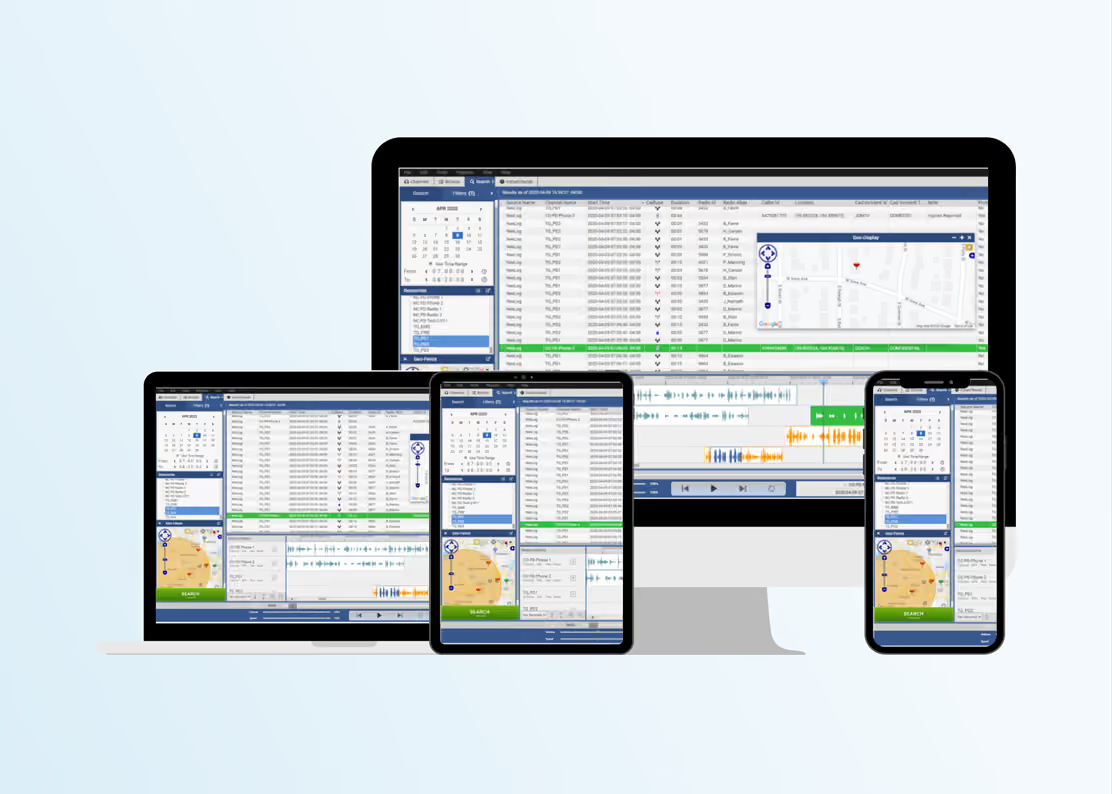
What enterprises gain with ImpactCX
Capture every interaction in real time, reduce compliance risk, and improve the customer and agent experience.
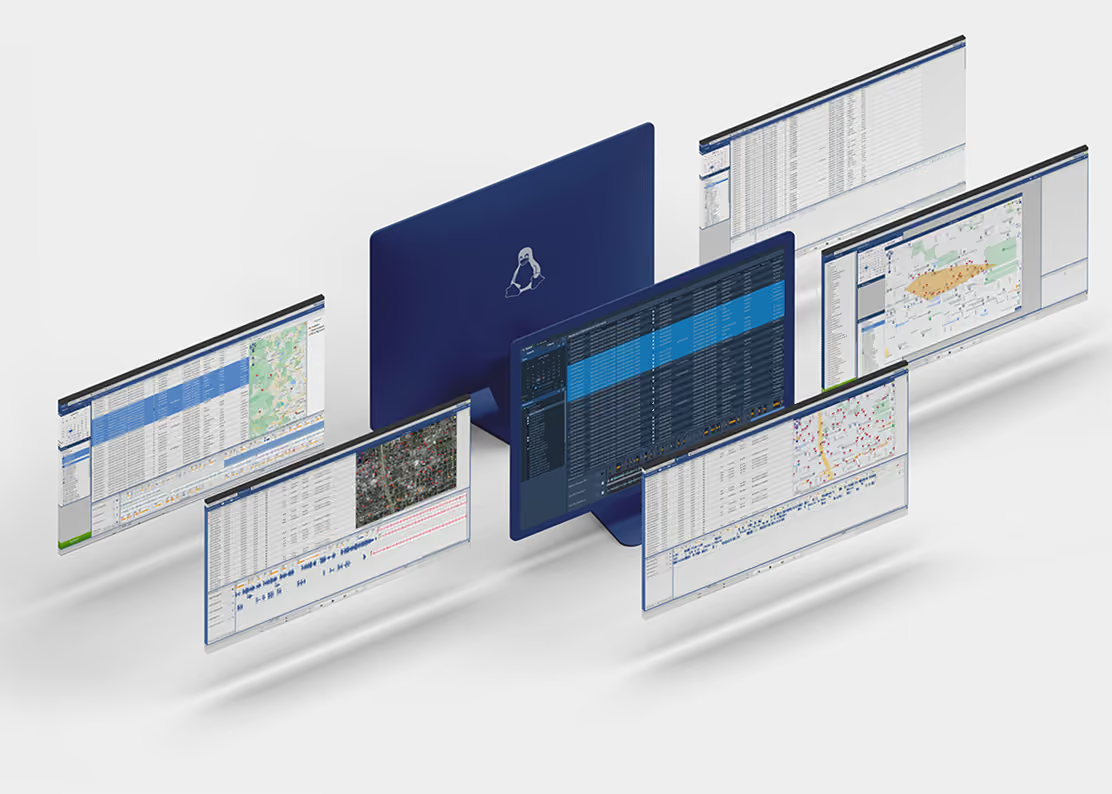
Enterprise flexibility without forcing a one-size-fits-all deployment model
ImpactCX supports deployment choice without compromising compliance, control, or operational continuity.

100+ Integrations
ImpactCX recognizes that integration reliability, performance, and compatibility are essential requirements.

Capture. Protect. Understand.






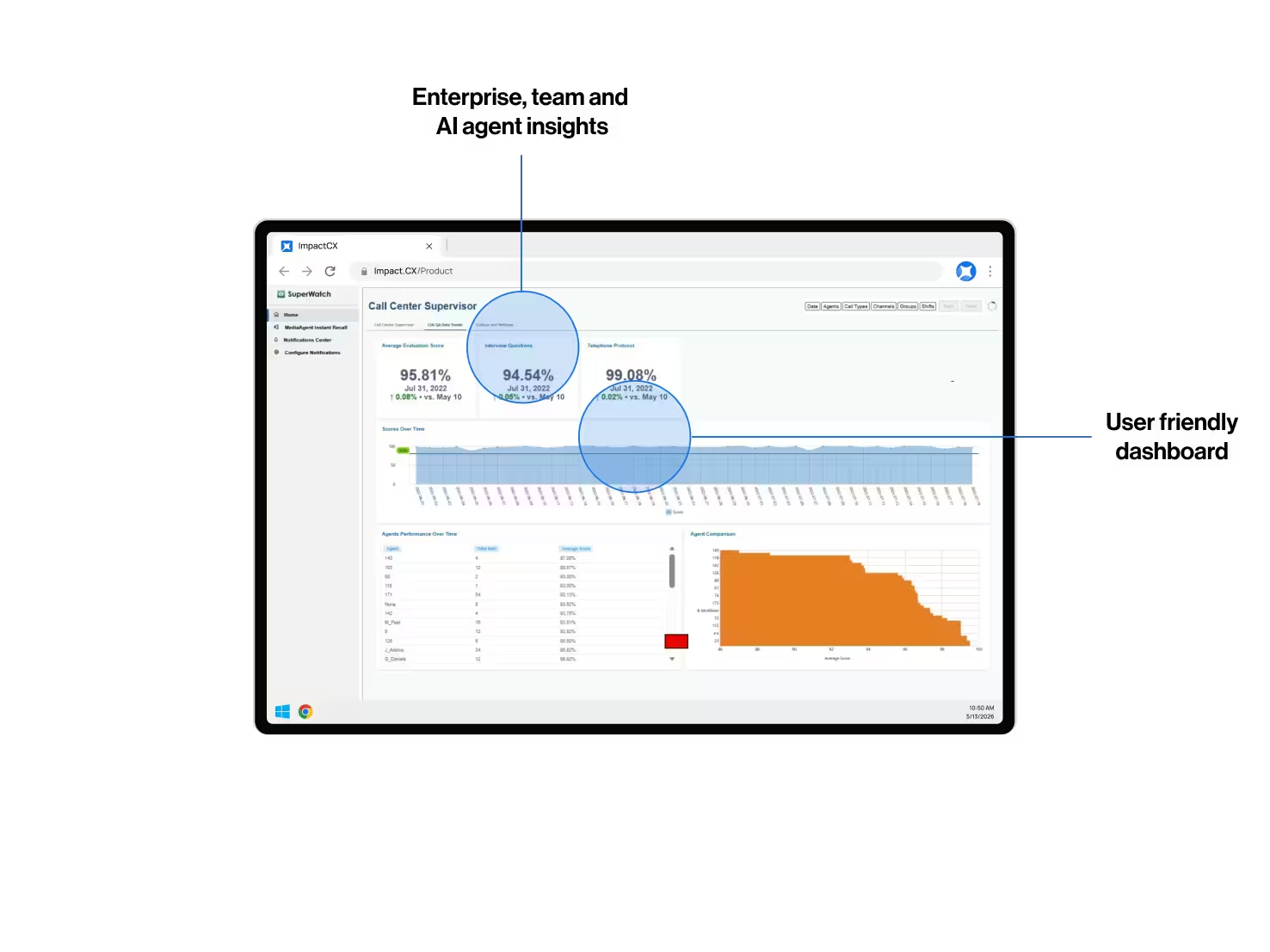
What enterprises gain
with ImpactCX
Unify compliance recording, quality management, and AI-powered conversational intelligence across contact centers and employee collaboration.
30+ years of recording and software innovation
Built on decades of proven recording expertise and continuous software innovation.
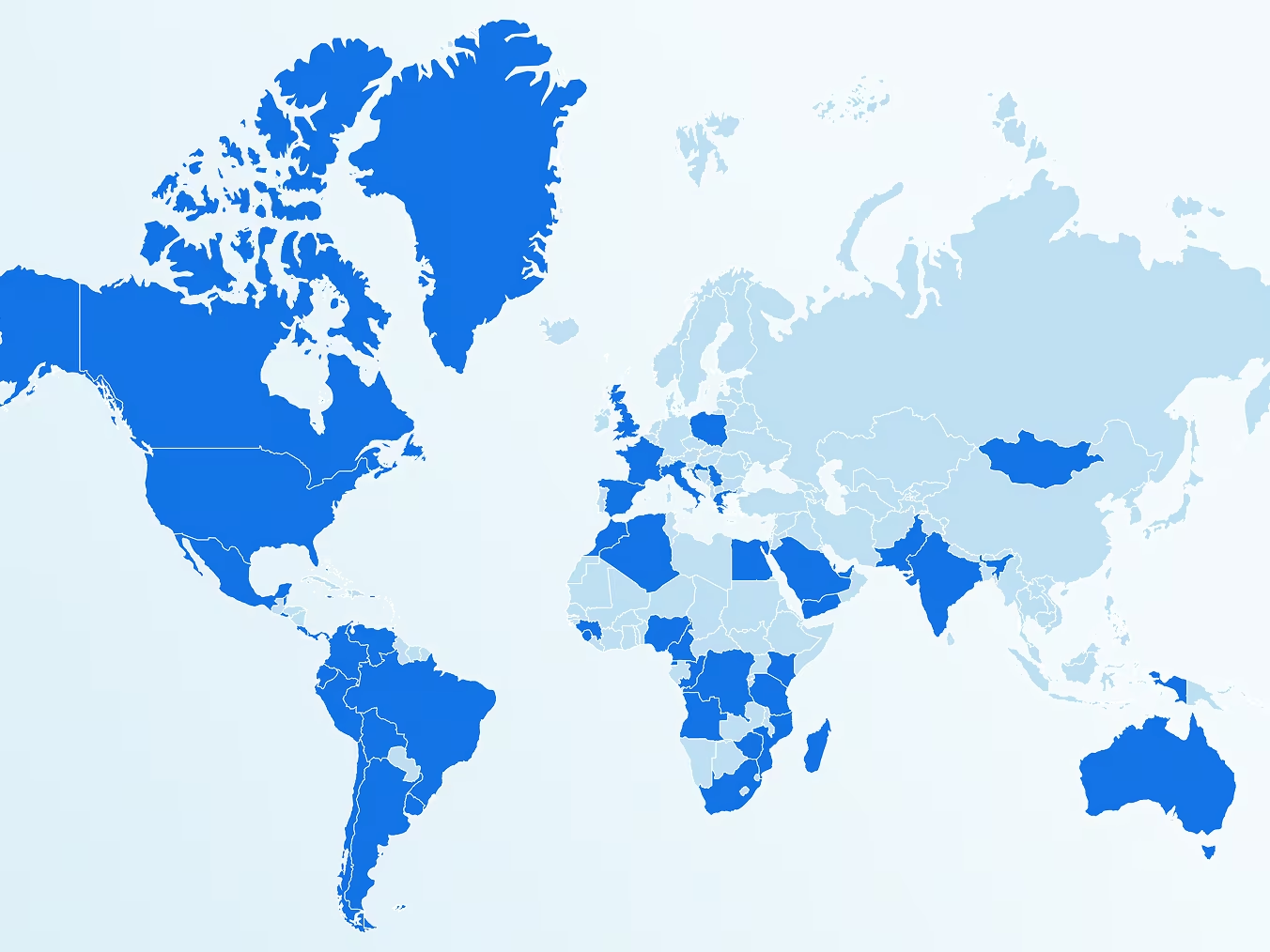
9,000+ global deployments
Trusted by organizations worldwide across healthcare, insurance, financial services, energy, utilities, transportation, manufacturing, technology, education, hospitality, aviation, defense, public safety, state and federal government.
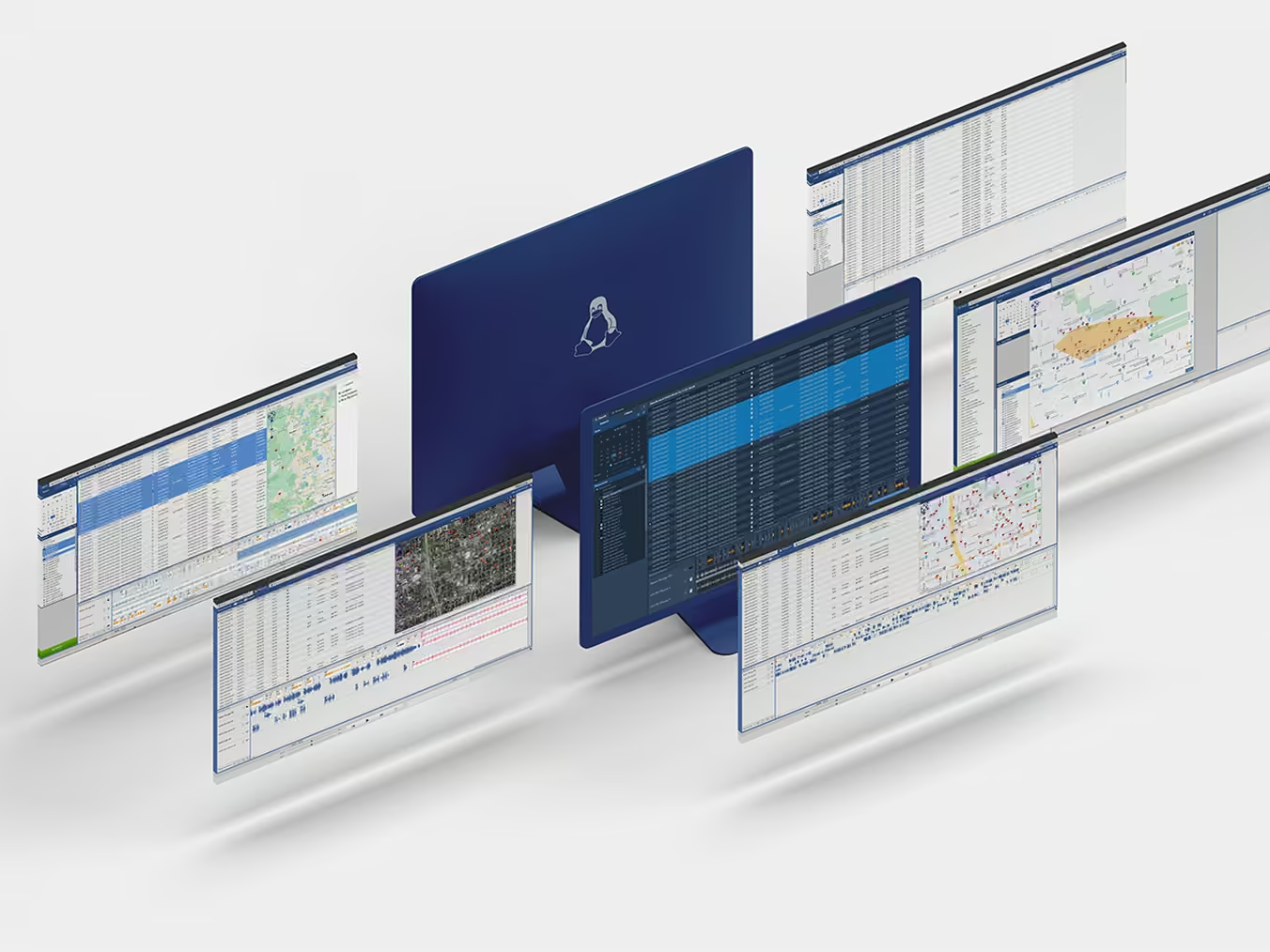
Capture every interaction in real time
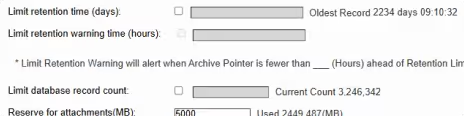
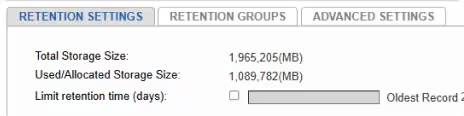
Support enterprise recording strategies across critical communications with centralized oversight, auditable retention from gigabytes to terabytes, and granular role-based access.
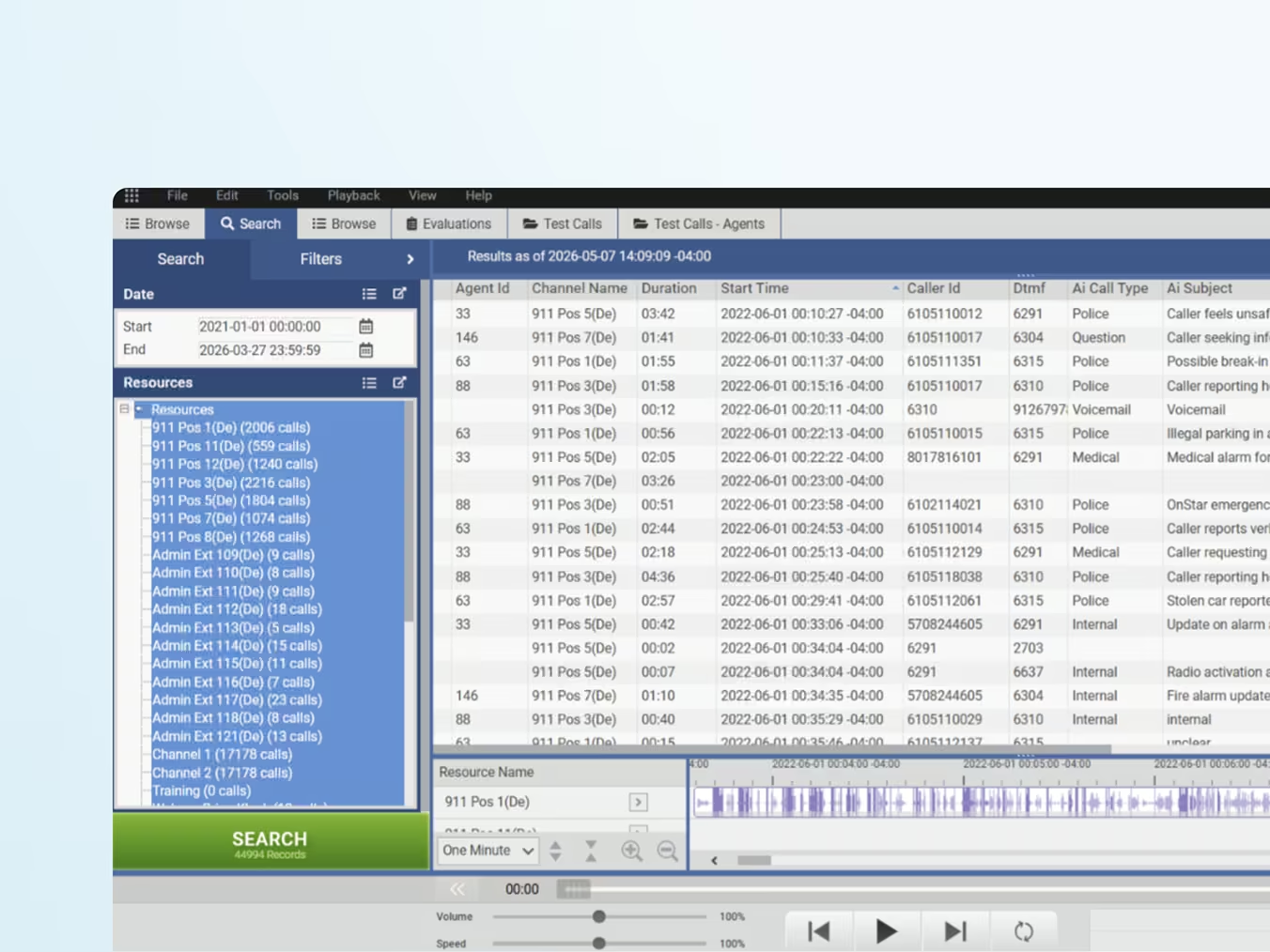
Reduce compliance risk
Maintain defensible search, retention, access, and evidence workflows across high-value and high-liability interactions. Support court-admissible recording and enterprise compliance requirements, including FIPS 140-2/3, ISO 9001 and HIPAA.

Flexible deployments
Support enterprise requirements with SaaS, virtual appliance, on-premise hardware appliance, and hybrid deployment options. From advanced contact center and employee collaboration environments to legacy telephony, and analog recording, ImpactCX adapts to hardware-based or virtualized environments.






Improve contact center and agent performance
Use quality management, reporting, and AI-driven insights to strengthen agent coaching, consistency, and service delivery.

ImpactCX
product offering
Start with recording and expand into additional capabilities over time, all within one unified platform.

Compliance recording
Capture interactions across telephony, screen activity, and digital channels with centralized recording, retention, search, access, replay, and governance.

Manual quality management
Evaluate interactions more consistently, improve coaching workflows, and strengthen service quality across agents and teams.

Automated quality management
Leverage automation and evidence-based AI-assisted evaluations to increase quality management coverage, accelerate trend identification, and reduce manual QA workload.

AI analytics and insights
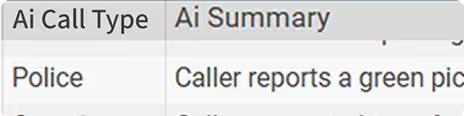
Surface patterns, trends, phrases, and operational issues that help leaders reduce risk while improving the customer and agent experience.

Agent call training simulator
Strengthen agent readiness with simulated call training and coaching programs that improve onboarding speed and performance outcomes.

Screen recording
Multi-monitor screen recording, with support for up to six screens per workstation.
Deployment options
This flexibility allows customers and reseller partners to align the solution to the environment, timeline, and governance model that best fits the business.

SaaS
For organizations seeking security, reliability, scalability, and simplified operations with faster time-to-value.
Virtual appliance
For customers who want operational support while maintaining strong oversight, control, and service continuity.
On-premises hardware appliance
For customers who require a hardware-based, on-premises solution to meet data control, infrastructure, or policy requirements that favor local deployment.

Hybrid
For enterprises that need to support multiple business models, phased migration paths, or mixed regulatory and operational requirements.
One platform for
every communication channel your enterprise relies on.
100+ integrations.
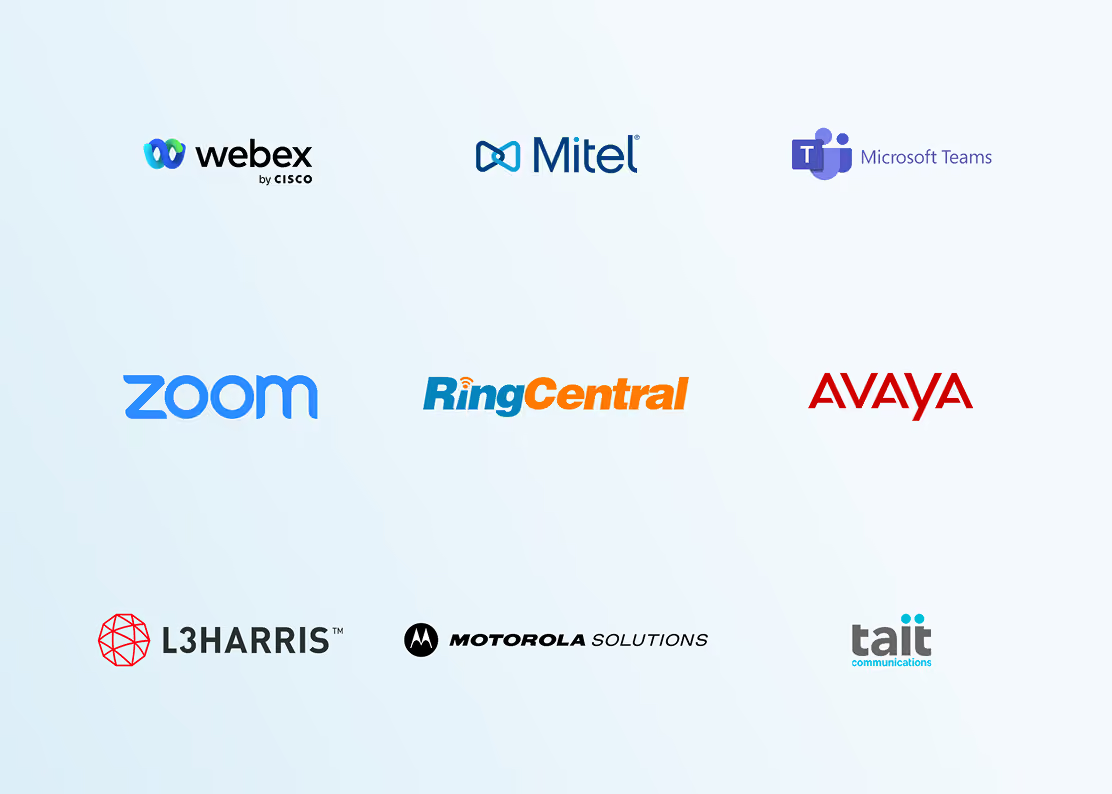
ImpactCX integrates with leading contact center, employee collaboration, telephony, CRM, digital communications, and other types of communication channels.

Contact center integrations
Connect with leading contact center and enterprise communication platforms.

Employee collaboration integrations
Record and manage communications across modern collaboration platforms.

Integrations
Capture and manage other communications channels.
Defensible records for compliance and auditability
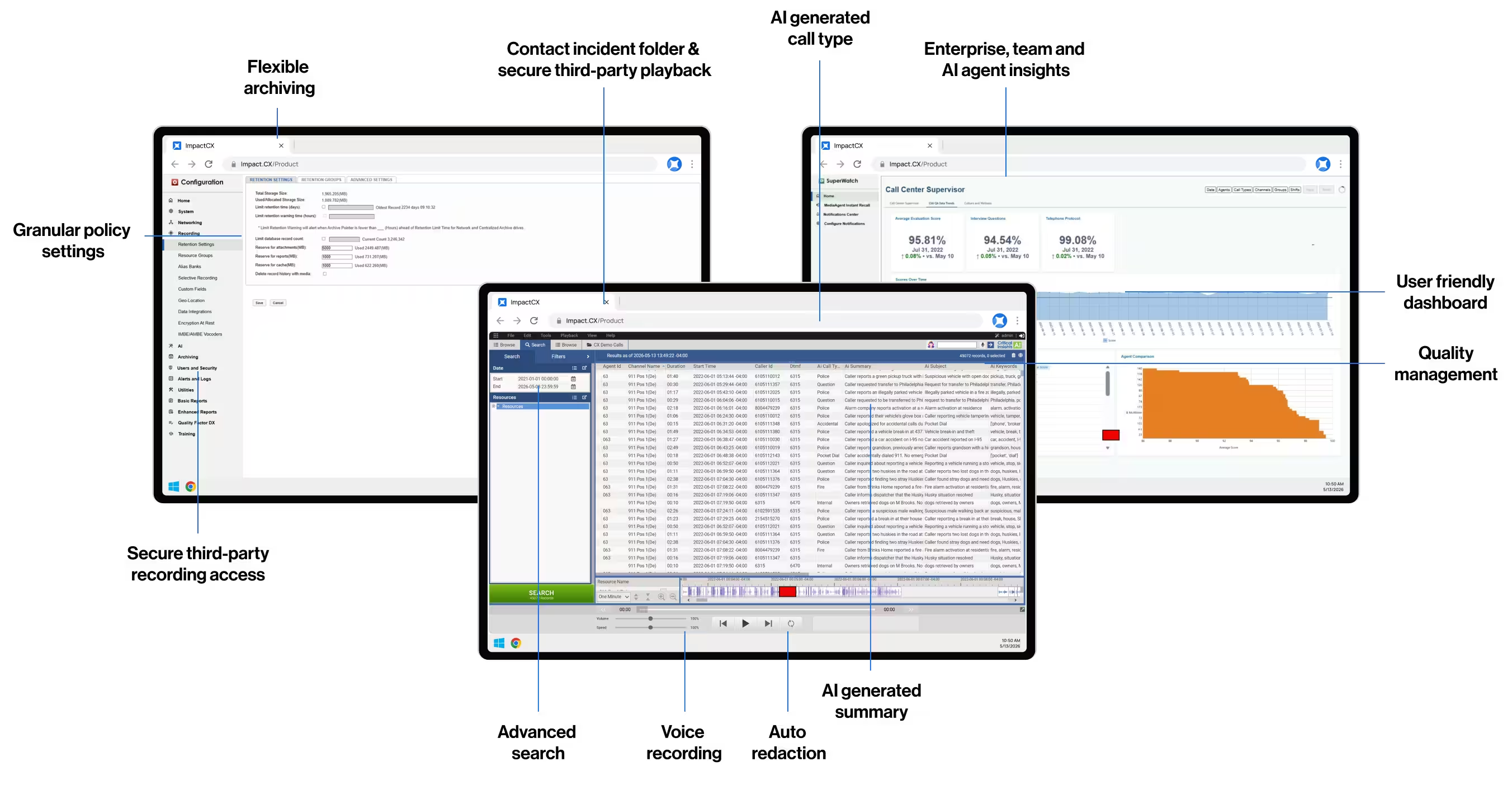
ImpactCX Compliance Recording helps organizations standardize how interactions are captured, stored, searched, and managed across teams and locations. By supporting a centralized recording strategy, ImpactCX gives businesses a reliable foundation for compliance, audit readiness, dispute resolution, and operational oversight.
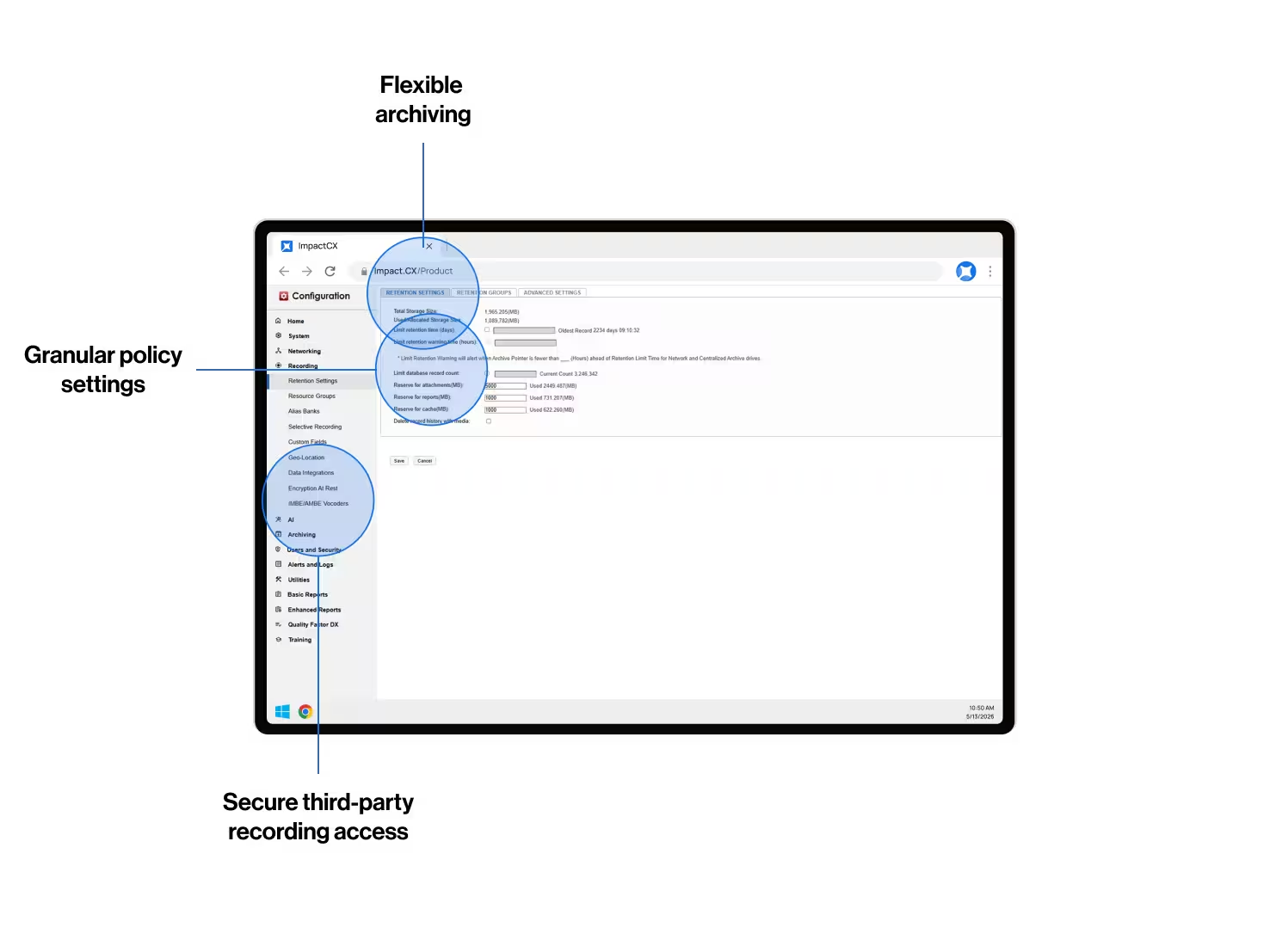
ImpactCX makes it easier to manage recording policies, retention rules, access controls, and user permissions from a centralized platform. This helps organizations protect sensitive interaction records, enforce internal governance standards, and ensure the right people have access to the right information.
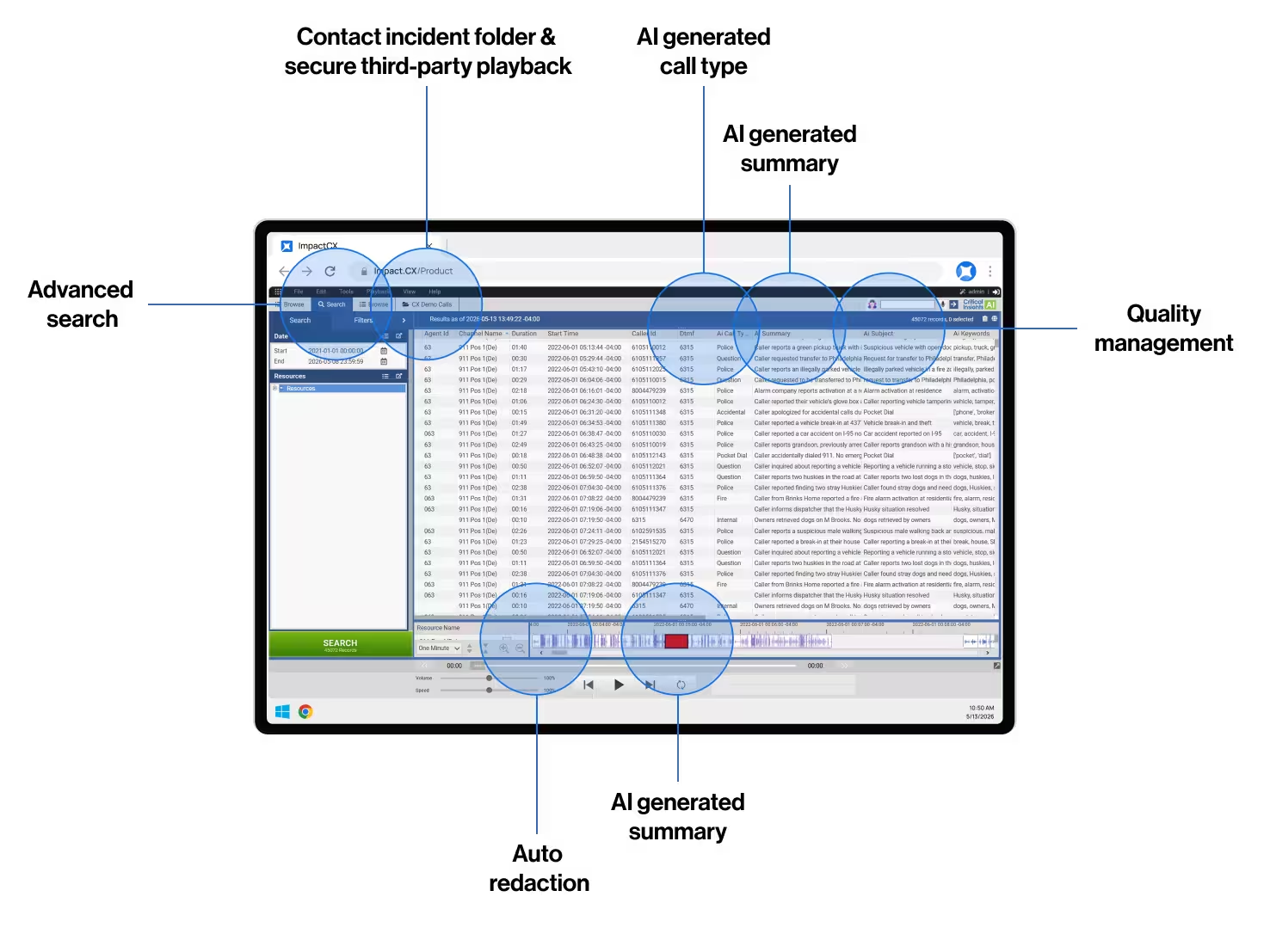
With fast search, replay, case-building capabilities, multiple export options, and secure third-party access to recordings, ImpactCX helps teams quickly locate the records they need for audits, legal discovery, investigations, and customer disputes.
ImpactCX supports structured review processes by giving legal, compliance, and supervisory teams secure access to recorded interactions and related metadata. This helps organizations validate activity, monitor adherence to policies, and document evidence when records are needed for review, escalation, or reporting.
ImpactCX helps safeguard recorded interactions with security-focused controls designed to protect sensitive business, customer, and operational data. With configurable access, secure storage options, audit trails, and enterprise-ready deployment models, organizations can reduce risk while maintaining reliable access to records.
ImpactCX offers configurable security and deployment options for regulated environments. Available capabilities vary by product and deployment and may include GovCloud hosting, FIPS 140-2/3 options, HIPAA-supporting controls, and SOC-aligned practices.
Start with compliance recording. Expand into enterprise communications intelligence.
Start with secure compliance recording, then expand into quality management, conversational intelligence, agent training, screen recording, advanced reporting, and real-time operational visibility—all within one ImpactCX platform.